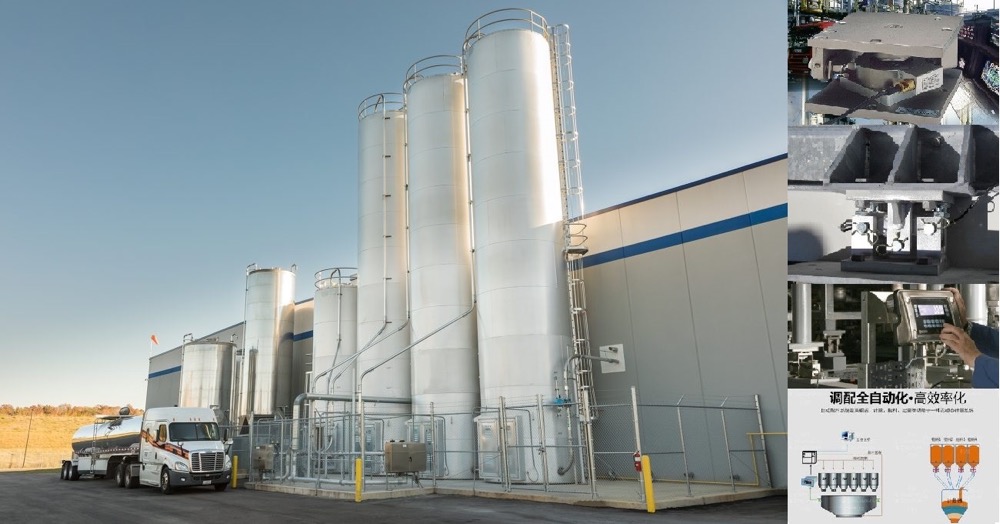


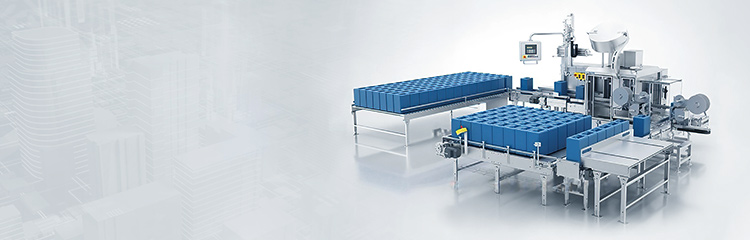


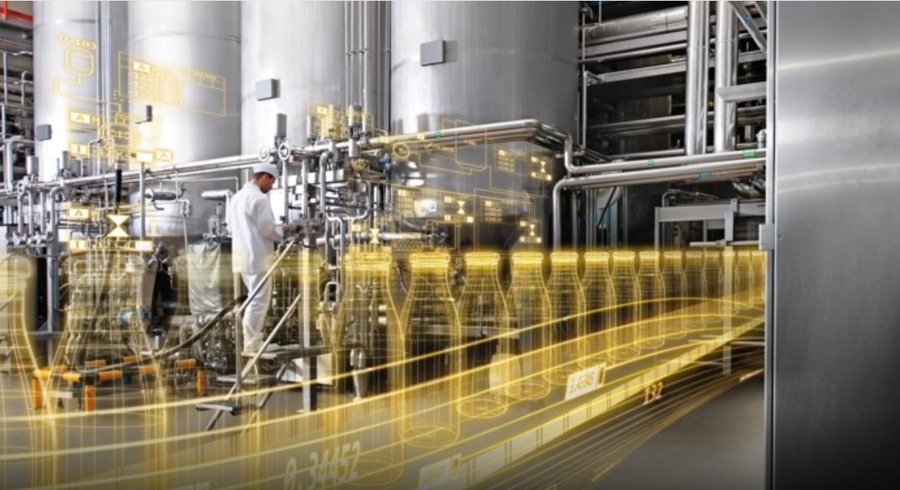
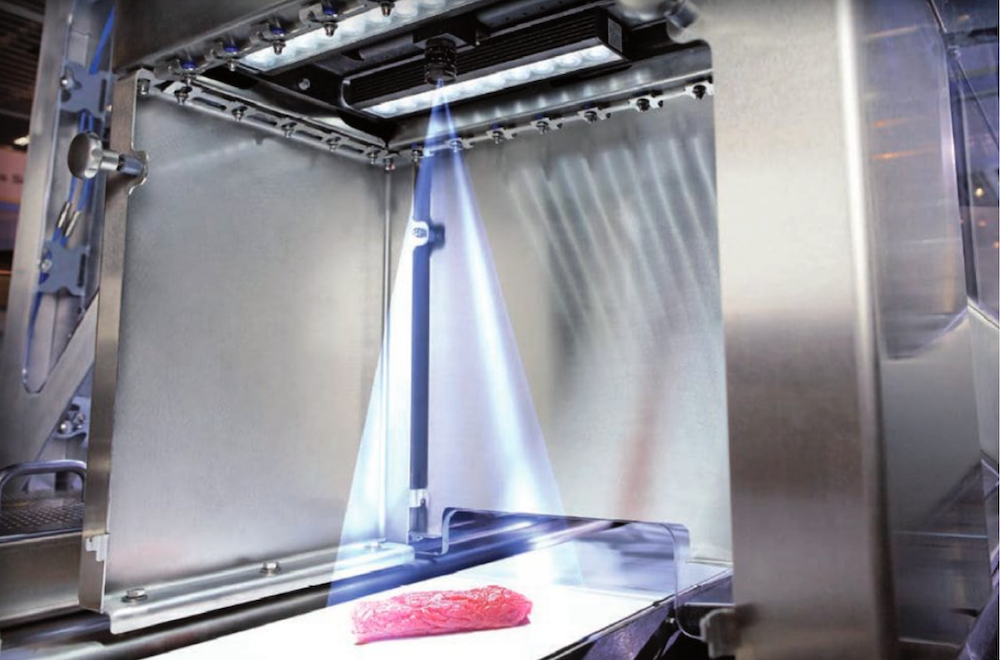
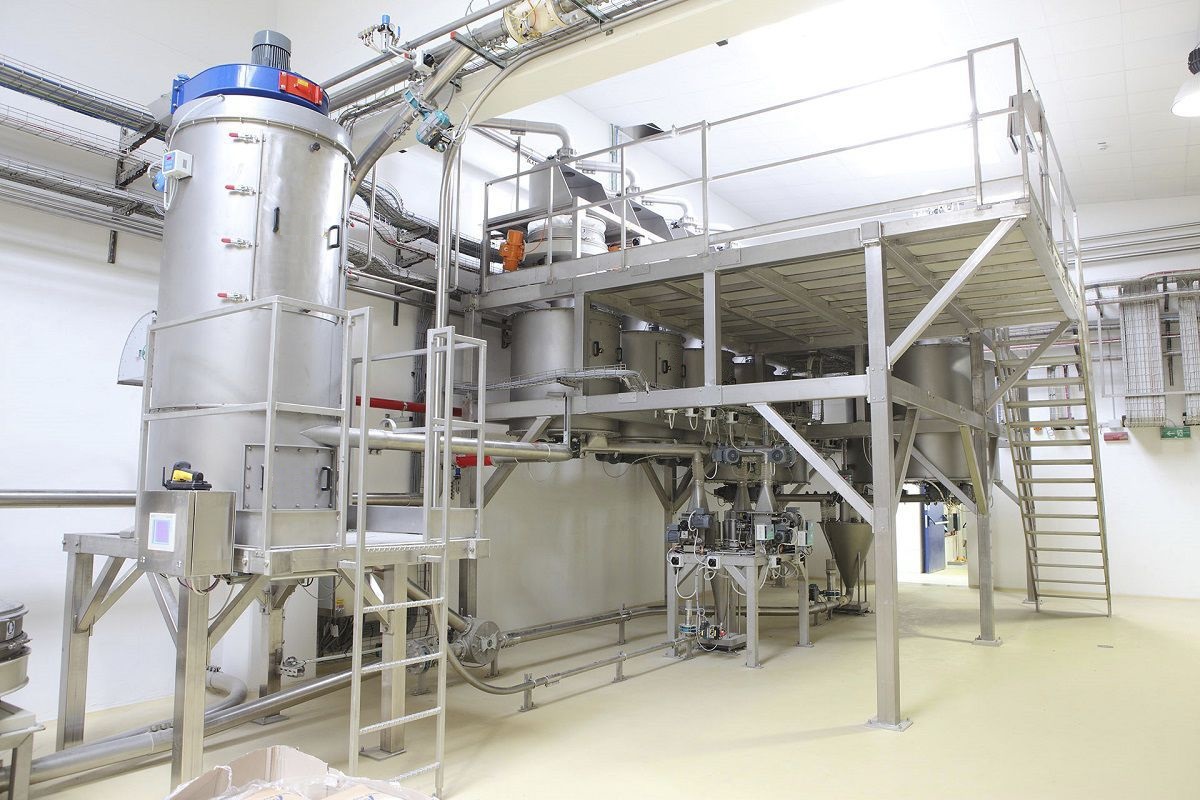
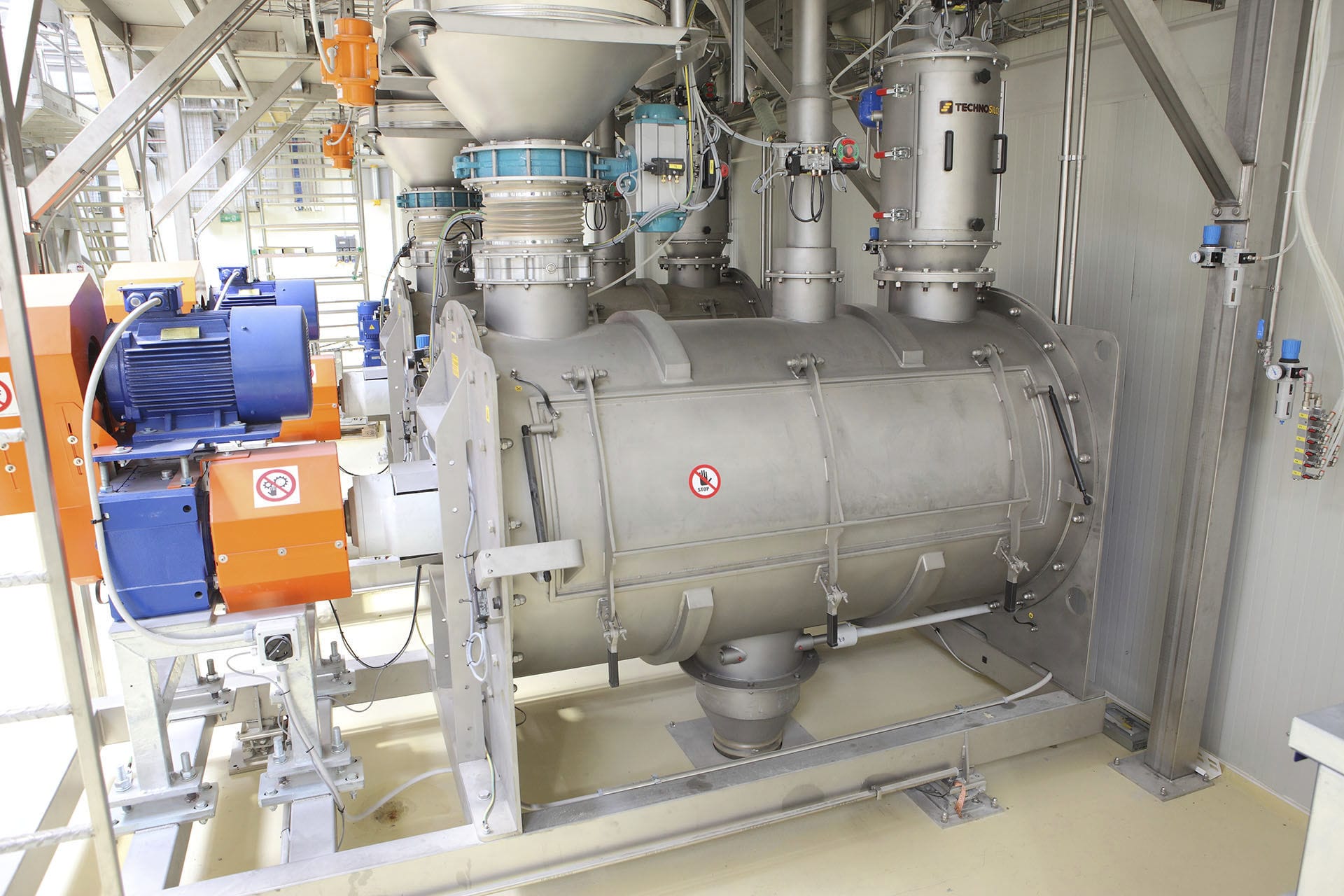
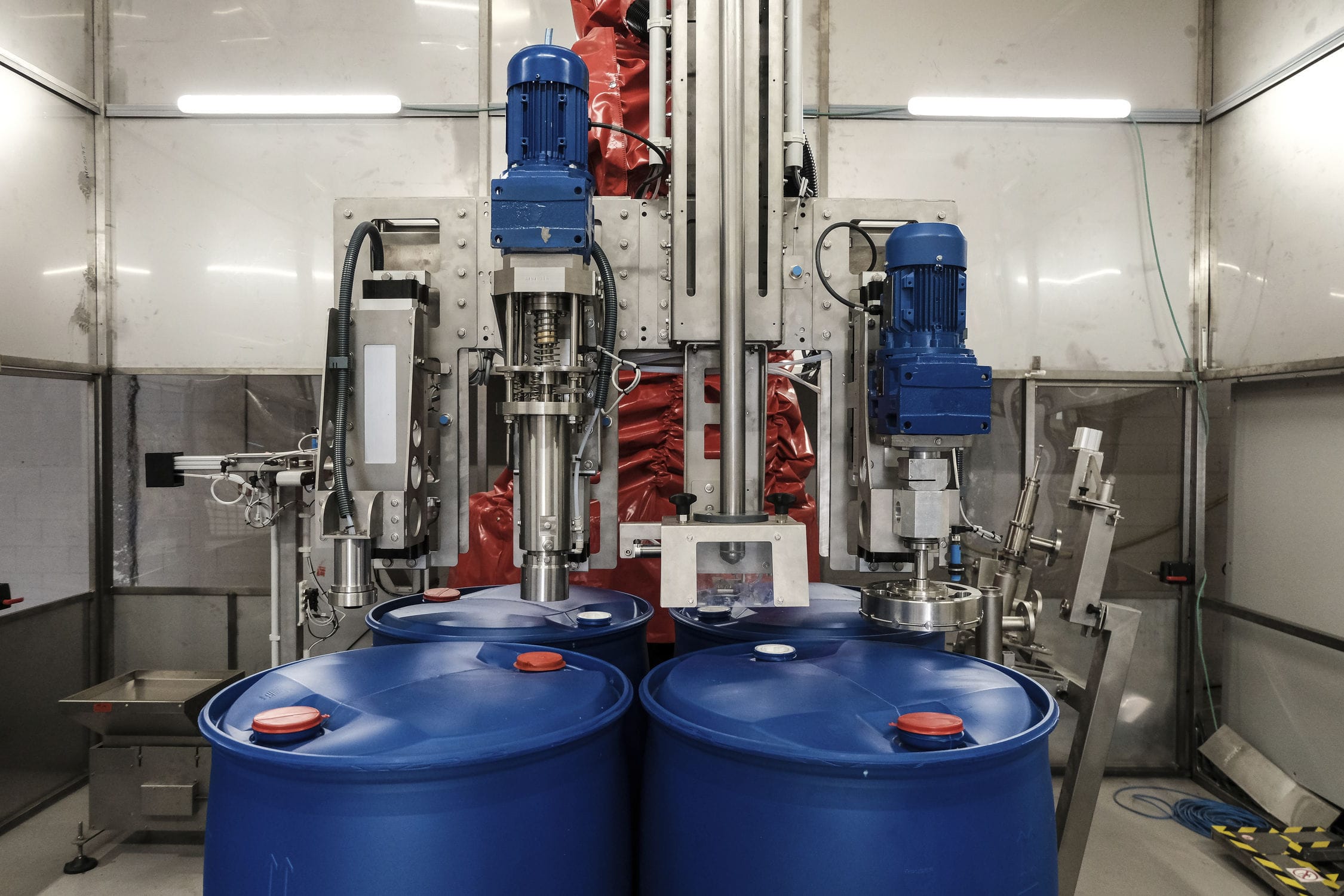
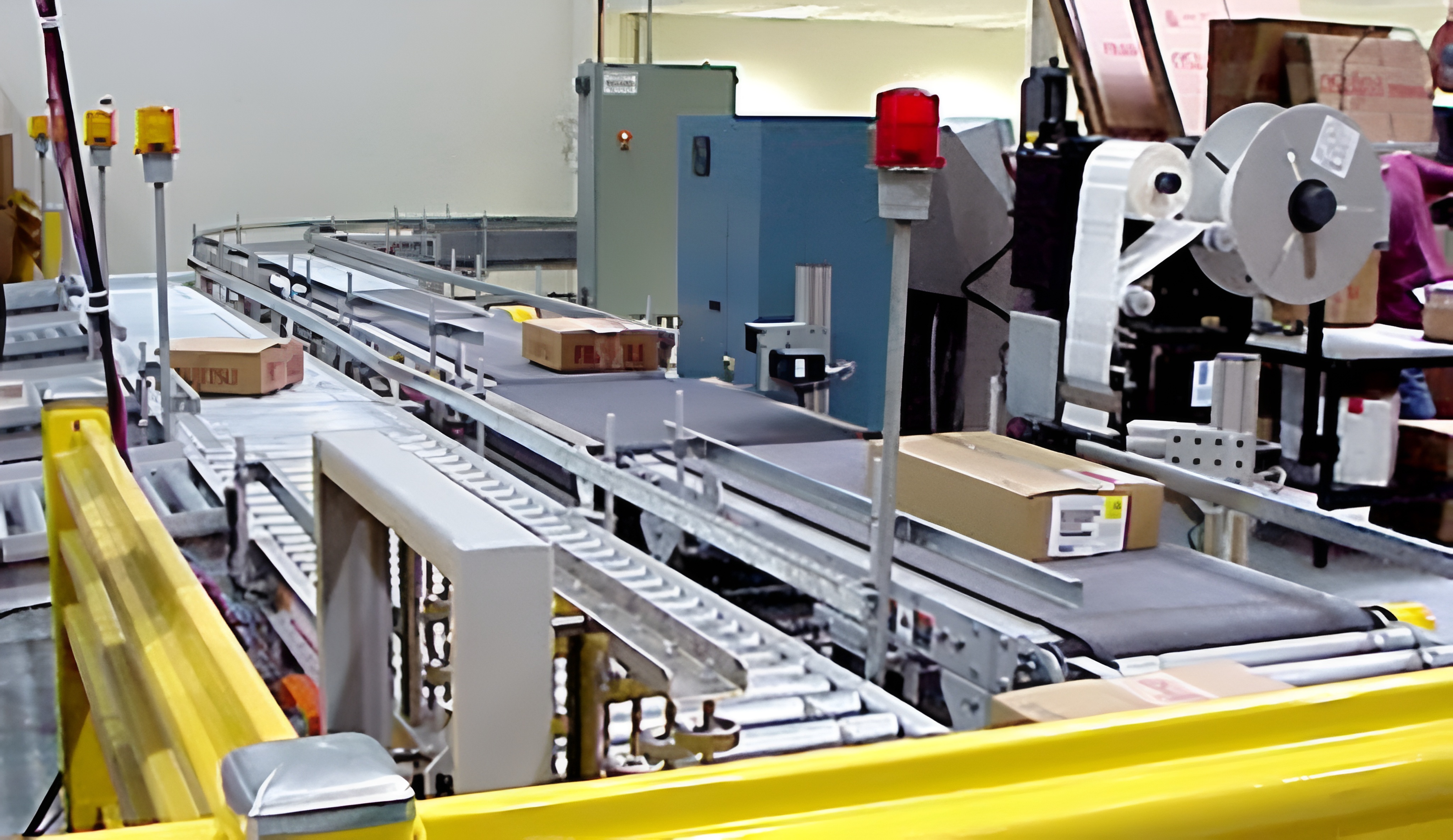
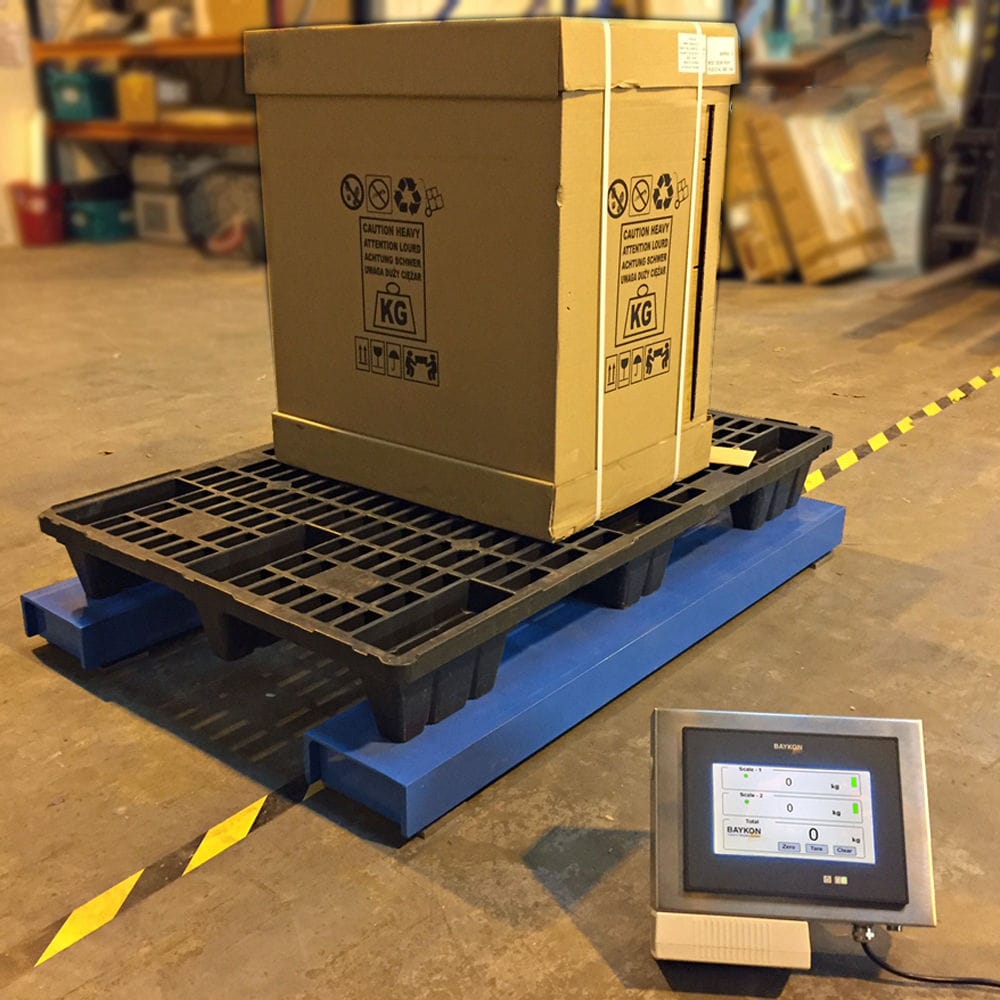


The new error-proofing mechanism and weighing system adopted in the feeding equipment greatly improves the product quality and efficiency of the production batching. The whole process control system makes the whole production process control, production plan management, material management, quality tracking management in one, and really realizes the control in one, which plays an important role in enhancing the management level, improving the product quality and maintaining the product stability, and it is more convenient for the customers to remotely monitor the inventory of the production factory and the production equipment and other related information across the regions, provinces and countries.

 020-34563445
The weighing and Feeding machine is set and monitored through an industrial computer, and the value of the PID regulator can also be manually modified. It is easy to operate and the control is reliable. The entire batching process is highly automated, forming a closed-loop control system that is both relatively independent and interconnected. The ultimate control object of the batching machine is the reaction kettle spiral Feeder. The speed of the reaction kettle spiral feeder is controlled by a frequency converter to adjust its capacity. The flow signal sent by the upper computer is compared with the given value through PID regulation. Based on the deviation, a 4-20mA signal is output to adjust the frequency converter to achieve a constant flow rate and achieve the expected effect. The batching process of the feeding system is divided into two stages: feeding and unloading. After the batching starts, the feeding feeder is first started, and the controller detects and samples the weight of the material on the hopper scale. When the weight of the material on the hopper scale reaches the upper limit set for batching, feeding is stopped. At the same time, the controller detects and samples the weight of the material on the hopper scale. When the weight (feeding amount) of the material on the hopper scale reaches the upper limit set for batching, feeding is stopped. In the unloading stage, the controller starts the unloading feeder to unload the material in the hopper scale to the next level of conveying equipment for transportation. When unloading, the controller detects and samples the weight of the material on the hopper scale. When the weight of the material on the hopper scale reaches the lower limit set for batching, the material is fed back to the hopper scale. But after the second feeding stage begins, the unloading feeder continues to unload without stopping.
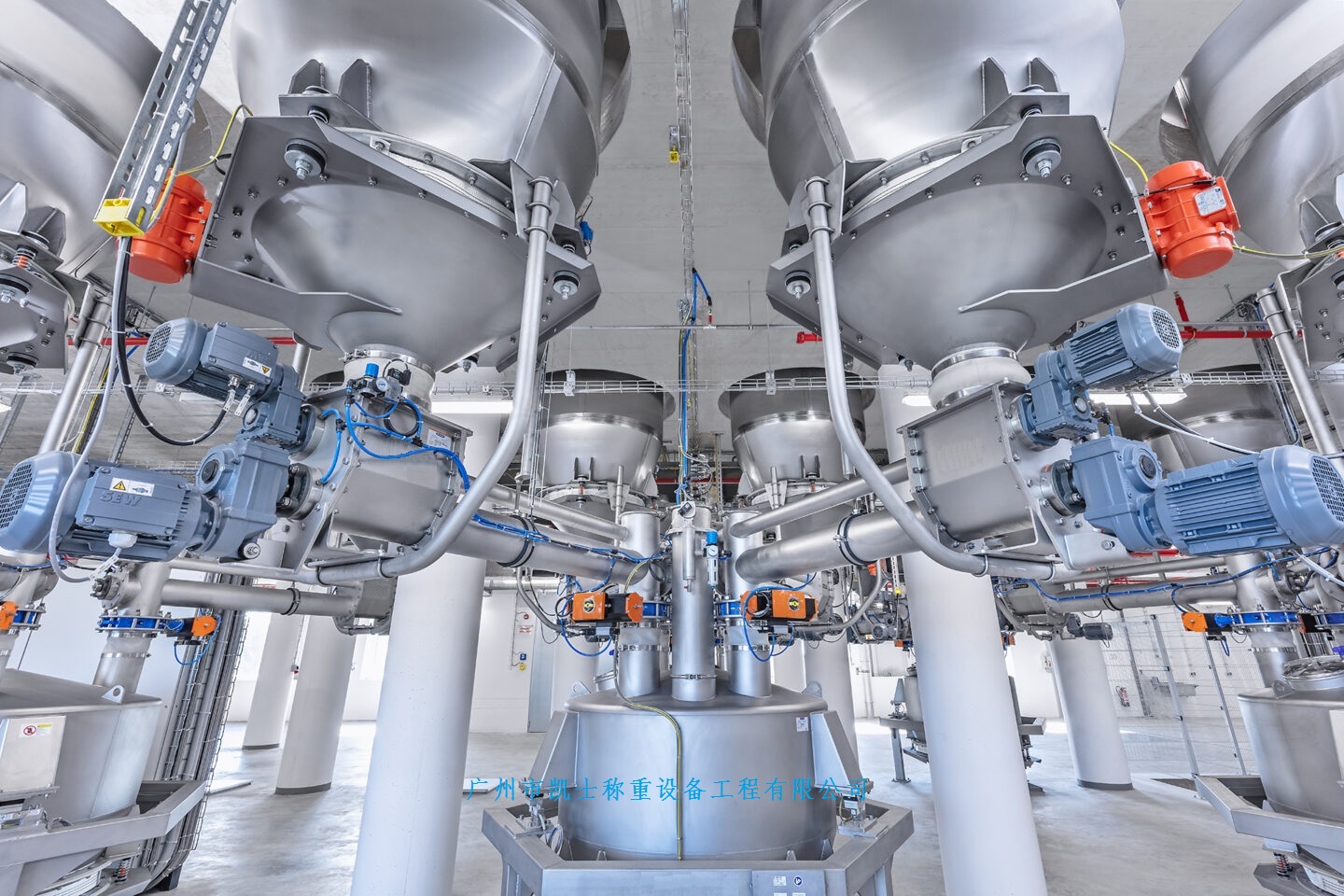
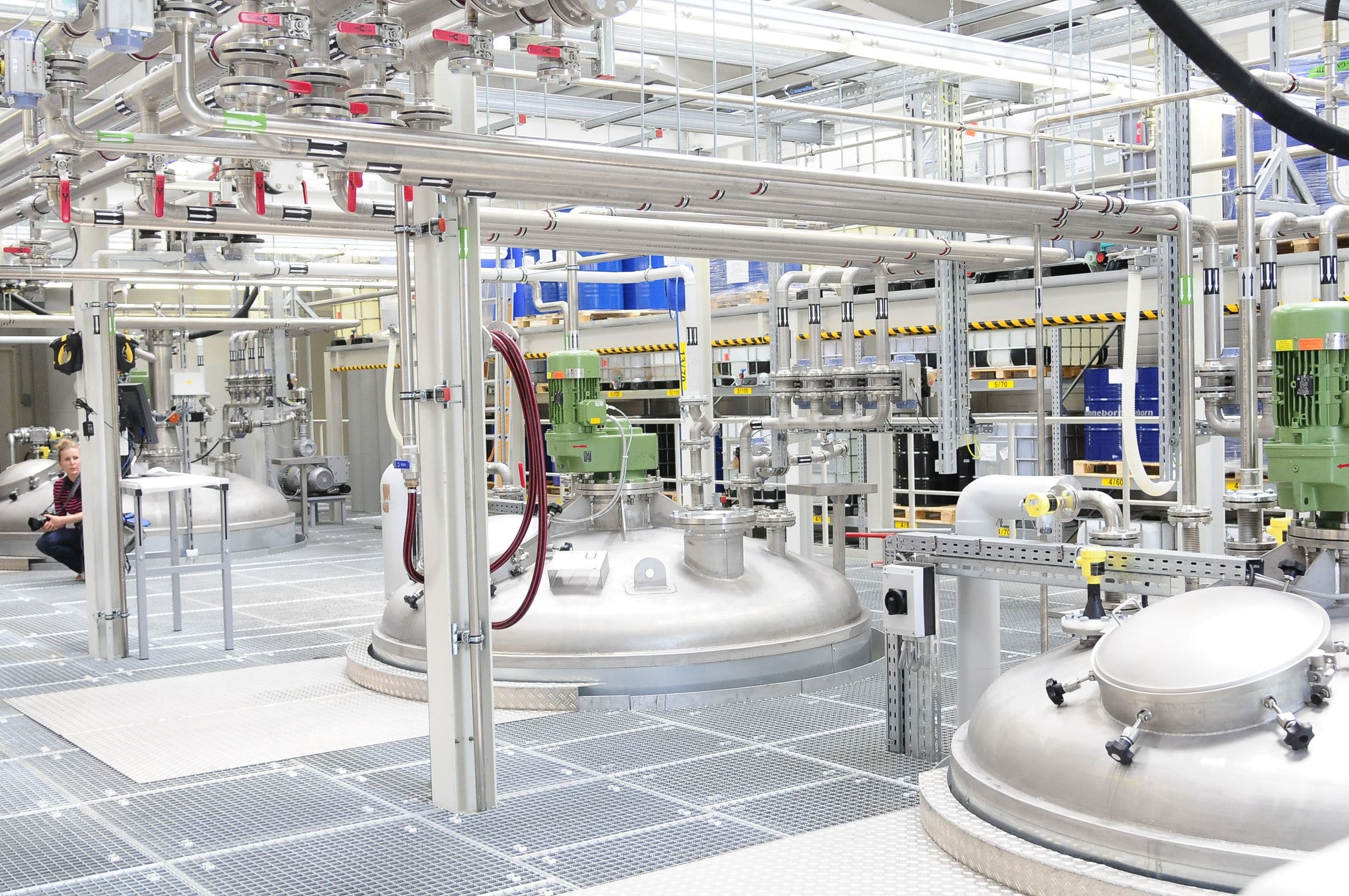
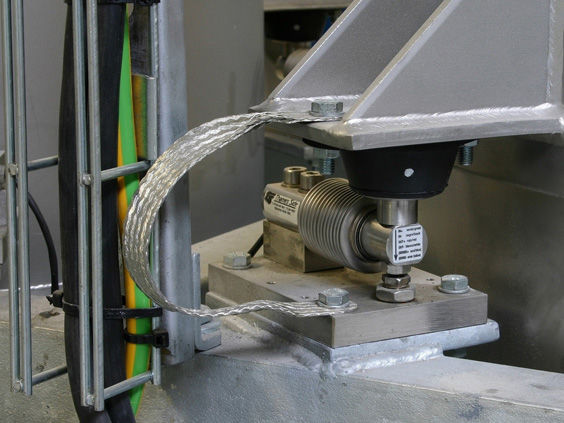
The weighing feeder adopts a controller, a display, and several storage tanks. The controller is equipped with several switches, which are electrically connected to the corresponding storage tanks. The display is equipped with several pressure gauges, which are electrically connected to the corresponding storage tanks. The storage tank is equipped with a weighing module, and the upper end of the weighing module is connected to the feeding port of the storage tank. The lower end of the weighing module is connected to the bottom of the storage tank. The feeding port of the storage tank is equipped with a control valve, which is electrically connected to the controller. The controller controls the material to enter the storage tank through the control valve, and the material enters the storage tank through the weighing module. Multiple switches can be opened simultaneously, and each storage tank is fed at the same time. When the storage tank is filled with material, the pressure inside the storage tank is the same as the pressure at the feeding port, and the controller automatically stops feeding. There are several pressure gauges installed on the monitor, each corresponding to a storage tank. The pressure gauge can display the pressure inside the storage tank, thereby converting the amount of material in the storage tank and displaying it on the monitor.
Functional operation instructions
Manual/Automatic Control
The screen is equipped with a working status display. In the state of no ingredient or ingredient pause, the ingredient auger can be manually turned on at will, but only one auger can be turned on at a time. Simply click on the corresponding bin feeding winch motor on the screen, and a dialog box will pop up to operate the motor on/off. Manual operation is ineffective during the ingredient preparation process.
Material Definition
Click the [Material Definition] button to open the material definition screen, and fill in all formula raw material names for easy material consumption statistics.
Recipe Settings
Before adding ingredients, it is necessary to set the recipe. Click the [Recipe Setting] button to bring up the recipe setting screen. The formula setting screen has the following parameters to fill in.
Warehouse number: the number of the raw material warehouse containing the ingredients to be mixed; In ingredient control, the digital system automatically opens the motor winch for ingredient preparation based on the selected warehouse number.
Material Name: Fill in the raw material name corresponding to the warehouse number, which can be in Chinese, English, or numbers, but must be consistent with the name in the [Material Definition] table.
Target weight value: The weight value (Kg) that various raw materials in the formula need to achieve, which can also be said to be the theoretical value.
Fast addition advance amount: that is, the frequency conversion amount. When starting, the frequency converter quickly adds materials. When the actual weight of the warehouse is still at this value from the target set weight, the frequency converter changes from high frequency to low frequency and enters a slow batching state. The size of this value should be adjusted according to the actual situation. If it is too large, it will reduce the batching speed; Too small, easy to overshoot, thereby reducing the accuracy of ingredients.
Slow advance amount: that is, the drop value, which is the value of the material that falls into the weighing hopper when the ingredient winch stops. The size of this value should be adjusted according to the actual situation. If it is too large, it will result in a lower actual weight value of the ingredients; Too small will cause the actual weight of the ingredients to be overestimated.
Select formula
Click the [Select Recipe] button to bring up the pre-set recipe name. Select the recipe name for the desired ingredient and press [Confirm] to confirm.
Transfer formula
Click the [Import Recipe] button, and a dialog box for entering the recipe name will pop up. Manually enter the recipe name of the required ingredient, and press [Confirm] to confirm.
Save Recipe
After modifying the formula in the digital system, it is necessary to save it to the current formula name or save it as another formula name. Click the [Save Formula] button, and a dialog box for entering the formula name will pop up. The initial value is the current formula name. Press [Confirm] to save it to the current formula name; If saving as another formula, manually enter the formula name and press [Confirm] to save as another formula name.
Delete recipe
Click the [Delete Recipe] button to bring up a confirmation dialog box. Press [Confirm] to delete the currently displayed recipe number.
Download recipe
Click the [Download Recipe] button to download the currently selected recipe parameters to the PLC, and the prompt will display "Recipe downloaded...". Before ingredient production, the selected formula name parameters must be downloaded, otherwise the system will use the previous formula ingredients.
Parameter Settings
After setting the formula, it is necessary to set the ingredient control parameters. Click the [Parameter Settings] button to open the control parameter settings screen and set parameters according to production requirements.
Production Batch: Set the current number of times automatic batching is required.
Mixing time: Set the mixing time value for the ingredients to be mixed. When there are additives, start timing from receiving the end of addition response signal. When there are no additives, start timing from closing the discharge scale door in place.
Mixing machine discharge time: the time for opening the door to discharge, which starts counting from receiving the signal of opening the door in place, and automatically closes the material door at the end of the time.
Weight value when sending an add signal: When the weight value after unloading is less than or equal to the set value, a add small material signal is sent. When the set value is zero, it indicates that there are no additions or additions; If the set value is not zero, notify the site to add additives.
Door opening alarm time: It starts counting from the moment the unloading signal is issued, and when the set time is reached, an unloading fault alarm is issued.
Delay time for adding small materials: It starts counting from the issuance of the addition signal, and when the set time is reached, an alarm prompt of "No response for adding small materials!" will be issued.
Near zero value: When the weight value after unloading is less than the set value, it is considered a zero value, indicating the end of unloading and the closure of the unloading door. When the set value is too large, it is easy to close the material door due to incomplete unloading; When the set value is too small, it often fails to automatically close the door due to material sticking to the inner wall of the weighing hopper, resulting in a discharge fault alarm.
Ingredient sequence: The automatic ingredient system sets the cutting sequence for the current production formula. The set value is "0", indicating that the material in this warehouse number does not participate in the batching process.
drop out
When the set production batch is not yet completed, but it is necessary to terminate the ingredients of the current formula number, press the [Exit midway] button, confirm with the prompt, and the system will automatically exit after completing the current batch, and prompt that the ingredients have been completed.
Material shortage and warehouse replacement
When the ingredient tank number has been fully prepared during the ingredient process, the system automatically prompts a shortage alarm. Press the [Material shortage replacement ingredient tank] button to bring up a dialog box. Enter the number of the ingredient tank to be replaced, confirm, and then press the [Clear Fault] button to complete the replacement of the ingredient tank and enter the automatic ingredient state. Note: After replacing the liquid tank, the order of ingredients must be changed. Set the missing liquid tank to 0 and the newly replaced liquid tank number to be consistent with the original order for easy report statistics.
Real time display of process data for each batch of ingredients, such as target values, actual values, error values, and total values for each material.
Search the production process list by formula number, date, shift, etc., to facilitate understanding of production situation and analysis of faults.
It can be used for page settings, report preview, and report printing.
List of Daily Statistical Reports
You can search by formula number, date, shift, etc. The query results display the theoretical, actual, and error values of the total production batch, required materials, and total production volume for the day; Simultaneously display the total production batch and material consumption list of the current query formula number or shift, and enable page settings, report preview, and report printing.
Daily report query
Daily reports of raw material consumption and production for the day and before can be queried, facilitating production statistics and management. Page settings, report previews, and report printing can be performed
Monthly report query
It can query the monthly reports of raw material consumption and production for the current month and before, facilitating production statistics and management. It can be used for page settings, report printing preview, and report printing